Understanding the WordPress REST API
A pragmatic guide to default WP endpoints, authentication models, query parameters, and custom route hooks.

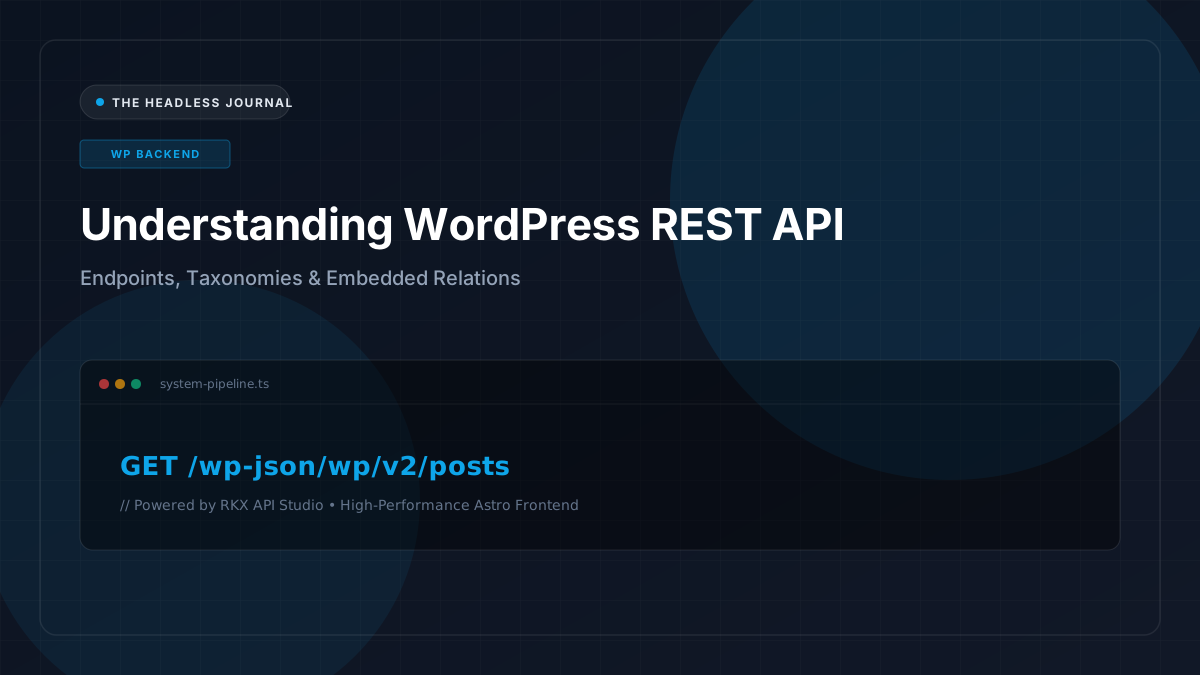
Since WordPress 4.7, the core platform has included a native REST API located at /wp-json/wp/v2/. Understanding how this API functions is the bedrock of building any resilient decoupled publishing system.
Core Endpoints Overview
WordPress exposes standard endpoints for all default post types and taxonomies:
GET /wp-json/wp/v2/posts— Fetch paginated blog articlesGET /wp-json/wp/v2/categories— Retrieve taxonomy termsGET /wp-json/wp/v2/tags— Access post tagsGET /wp-json/wp/v2/media— Query uploaded images, documents, and media metadataGET /wp-json/wp/v2/users— Retrieve public author profile data
The Power of Query Parameters
By default, WordPress returns 10 items per page and sets headers such as X-WP-Total and X-WP-TotalPages. You can tailor requests using standard query parameters:
GET /wp-json/wp/v2/posts?_embed=1&per_page=12&categories=4&_fields=id,slug,title,excerpt,date,_links,_embeddedUsing _embed=1 directs WordPress to resolve linked media (featured images) and author details into an _embedded object, sparing you from making N+1 API requests.
Common Pitfalls in Stock REST APIs
While powerful, the default REST API was designed as an all-purpose administrative API rather than a fine-tuned content delivery endpoint. Payloads often contain excess metadata, raw internal IDs, and complex nested objects that demand custom transformation.
Written by Elena Rostova
Lead API Platform Engineer
Elena specializes in API contract engineering, REST scalability, and headless CMS integrations.
Related Articles

Using Custom Fields in Headless WordPress
Unlock complex editorial layouts by structuring advanced custom fields and modeling content schemas effectively for headless consumption.
 David Chen
Building Maintainable Content APIs
How to design content APIs that remain stable over years of design updates, team changes, and CMS upgrades.
 Marcus Vance

Improving API Performance with Caching
Eliminate database bottlenecks and accelerate SSG builds by implementing intelligent multi-tier caching across your content APIs.
Elena Rostova